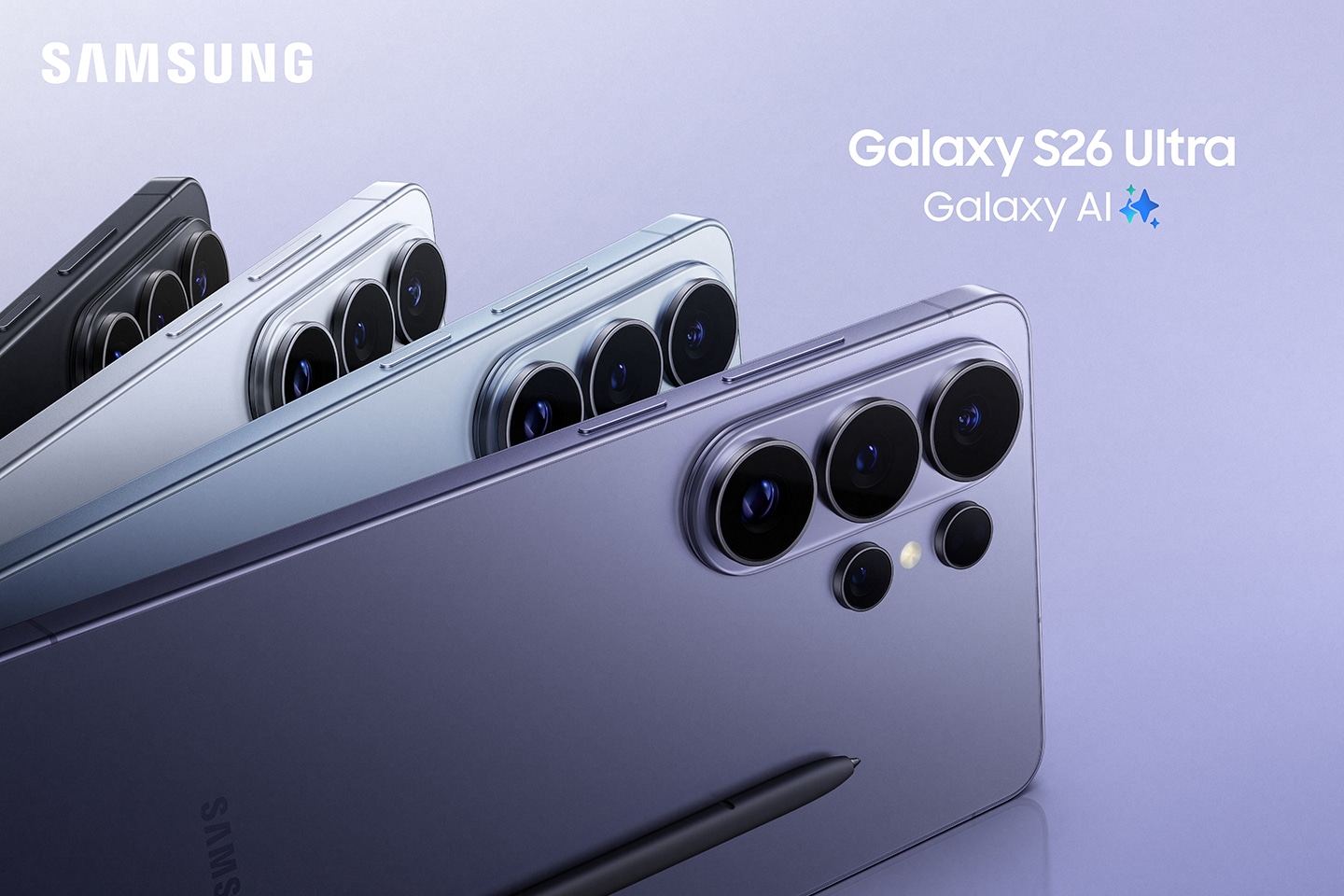
Artificial intelligence is no longer just a buzzword; it’s becoming an essential part of how we use our smartphones. Samsung’s Galaxy AI brings practical, time-saving tools directly to your device, making everyday tasks faster, smarter, and more convenient.
Whether you’re working, travelling, studying, or simply staying connected, Galaxy AI is designed to simplify your daily routine.
Here are 10 Samsung Galaxy AI features you’ll actually use every day
Circle to Search with Google
Ever seen something online that caught your attention? With Circle to Search, you no longer need to switch apps or type lengthy search queries. Simply press and hold the Home button, circle any object, text, or image on your screen, and Galaxy AI instantly searches for it.
Perfect for:
- Shopping
- Identifying landmarks
- Looking up products
- Finding recipes
- Translating text
Live Translate During Phone Calls
Travelling overseas or speaking with someone who speaks another language? Galaxy AI can translate conversations in real time during phone calls, allowing both people to speak naturally while hearing translations almost instantly.
It’s ideal for:
- Business calls
- International travel
- Customer support
- Communicating with family abroad
Chat Assist Makes Writing Easier
Whether you’re replying to emails, sending WhatsApp messages, or posting on social media, Chat Assist helps improve your writing.
Galaxy AI can:
- Correct spelling and grammar
- Rewrite messages professionally
- Make messages friendlier
- Shorten or expand text
- Adjust your tone instantly
It’s like having your own personal writing assistant.
Note Assist Organises Your Notes
If you’re someone who fills Samsung Notes with meeting notes, study material, or brainstorming ideas, you will love Note Assist.
It can automatically:
- Summarise long notes
- Create headings
- Format information neatly
- Generate bullet points
- Make searching easier
No more scrolling through endless pages of text.
Transcript Assist Saves Hours
Recording meetings or lectures? Galaxy AI can convert voice recordings into written text and even summarise the conversation.
Great for:
- Students
- Journalists
- Professionals
- Business meetings
- Interviews
Instead of replaying an hour-long recording, you will have organised notes within minutes.
Photo Assist Makes Editing Effortless
Galaxy AI turns anyone into a photo editor.
You can:
- Remove unwanted objects
- Straighten crooked images
- Fill missing backgrounds automatically
- Resize or reposition subjects
- Improve overall image quality
Your photos look professionally edited with just a few taps.
Interpreter Mode for Face-to-Face Conversations
Interpreter Mode displays live translations on both sides of your phone, allowing two people speaking different languages to communicate naturally.
Perfect for:
- Holidays
- Restaurants
- Airports
- Hotels
- Business meetings
It’s like carrying a professional interpreter in your pocket.
Browsing Assist Summarises Web Pages
Don’t have time to read an entire article? Browsing Assist can summarise lengthy web pages into quick, easy-to-read highlights.
This is particularly useful when:
- Researching
- Reading news
- Comparing products
- Learning something new
You will save time without missing the important information.
Audio Eraser Improves Your Videos
Background noise can ruin great videos.
Galaxy AI’s Audio Eraser helps reduce unwanted sounds such as:
- Wind
- Traffic
- Crowds
- Conversations
- Background hum
Whether you are creating content or recording family memories, your videos sound cleaner and more professional.
Generative Edit Creates Better Photos
Sometimes the perfect photo isn’t perfectly framed.
Generative Edit allows you to:
- Expand backgrounds
- Reposition people
- Straighten images
- Fill empty spaces intelligently
The result is a polished image without complicated editing software.
Which Samsung phones include Galaxy AI?
Many of Samsung’s latest devices now include Galaxy AI, including:
- Samsung Galaxy S25 Series
- Samsung Galaxy S24 Series
- Samsung Galaxy Z Fold7
- Samsung Galaxy Z Fold6
- Samsung Galaxy Z Flip7
- Samsung Galaxy Z Flip6
- Selected Galaxy Tab devices
- Some newer Galaxy A Series models (feature availability varies)
Availability may differ depending on your device model and software version. Instead of replacing how you use your phone, Galaxy AI enhances it by saving time and making everyday tasks simpler.
Whether you’re a student, professional, content creator, or someone who simply wants a smarter smartphone experience, Galaxy AI offers practical features you’ll quickly wonder how you lived without.
Discover the Latest Samsung Devices at 3G Mobile
Whether you are upgrading to the latest Galaxy S Series, exploring the foldable Galaxy Z range, or looking for the best value Samsung smartphone, our team is here to help you find the right fit.